Today Bricsys announced the availability of BricsCAD V14 for Linux. This new release has a lot of new features and improvements.
Showing posts with label Bricscad. Show all posts
Showing posts with label Bricscad. Show all posts
Feb 13, 2014

Dec 31, 2012
2012 Flash Back
The year that is leaving today was an interesting one in the field of Linux CAD.
Below are listed the top events of 2012 for Linux CAD:
Below are listed the top events of 2012 for Linux CAD:
Dec 21, 2012
Nov 20, 2012
How to fix BricsCAD's segfault on Ubuntu 12.10
BricsCAD V12 doesn't work correctly on the new Ubuntu 12.10.
The problem is that BricsCAD V12 doesn't operate well with the version of libfreetype that is installed by default on Ubuntu 12.10. This problem can be fixed by copying a working version of this library into BricsCAD's LD_PRELOAD path.
The problem is that BricsCAD V12 doesn't operate well with the version of libfreetype that is installed by default on Ubuntu 12.10. This problem can be fixed by copying a working version of this library into BricsCAD's LD_PRELOAD path.
Oct 28, 2012
Lost in Support: BricsCAD
BricsCAD is a unique piece of software. It tries to be a full .dwg-based solution with some exciting features like direct modeling, 2D/3D parametric constraints, etc. So it is unfair to describe it as an AutoCAD-clone. BricsCAD has a native Linux version since September 2010 and it comes in 3 different versions: Classic, Pro and Platinum.
Jun 29, 2012
How to install Bricscad V11 on Ubuntu 12.04 LTS
Bricscad V11 has a syntax problem in the description field of the .deb file. This problem causes a failure during the upgrade to Ubuntu 12.04 but it also makes the installer unusable in clean installations of Ubuntu 12.04. The fix is quite simple and similar to the DraftSight on Ubuntu 12.04 64bit workaround.
You have to edit the control file inside the .deb installer. Here is the complete workaround:
You have to edit the control file inside the .deb installer. Here is the complete workaround:
Apr 28, 2012
Ubuntu 12.04 LTS and .dwg-based CAD
After the installation of the new Ubuntu 12.04 LTS I tested the installation of all the available .dwg based CAD applications.
Feb 25, 2012
Ubuntu 12.04 LTS 64bit will make the life easier to Linux CAD users and vendors
As you probably already know all the .dwg-based Linux CAD are 32bit only and their installation on 64bit Ubuntu systems is currently painful. But this will change soon...
Feb 23, 2012
Highlights of Bricscad V12 Linux: Screenshot tour

Fully editable tables can be created or imported from csv files.
Here is a test file created with LibreOffice Calc

Editing the above table

Flatshot command creates 2D profiles from 3D solids in model space

The Quad cursor in action for easy and fast 3D direct modelling

The Solprof command is similar to Flatshot but in paper space

Hatch wipeout!
 Refedit allows to edit xref's directly
 With this command you can: select which entity of the xref you want to edit and lock the others,
add/remove entities to set,draw new geometry, save/discard changes
 Livesections in action


add/remove entities to set,draw new geometry, save/discard changes

Feb 20, 2012
Bricscad V12 for Linux is out!
Today Bricsys has released the final V12 version of Bricscad for Linux.
This release includes many fixes and new features such as direct modelling, 2D and 3D parametric constraints, realistic rendering via RedSDK and more ( a full changelog is available here).
Bricscad V12 for Linux is a powerful and affordable application that can reduce the cost of a CAD workstation significantly . Combined with the upcoming Ubuntu 12.04 LTS, which will come with a 5-years support period, it can be a reliable long time solution for anyone, not only current Linux users.
Bricscad V12 for Linux comes in 3 versions:
The installation on Ubuntu 11.10 32bit was fast and trouble-free. However the new features and especially the real-time realistic rendering need more powerful hardware (especially GPU). Also consider that you have to tweak some settings in order to get better performance ( I had to change the default settings of quad cursor to make it work better in my machine).


This release includes many fixes and new features such as direct modelling, 2D and 3D parametric constraints, realistic rendering via RedSDK and more ( a full changelog is available here).
Bricscad V12 for Linux is a powerful and affordable application that can reduce the cost of a CAD workstation significantly . Combined with the upcoming Ubuntu 12.04 LTS, which will come with a 5-years support period, it can be a reliable long time solution for anyone, not only current Linux users.
Bricscad V12 for Linux comes in 3 versions:
- Classic (2D only with LISP)
- Pro (plus 3D, direct modelling, realistic rendering, BRX)
- Platinum (plus 3D constraints and design intent capturing)
The installation on Ubuntu 11.10 32bit was fast and trouble-free. However the new features and especially the real-time realistic rendering need more powerful hardware (especially GPU). Also consider that you have to tweak some settings in order to get better performance ( I had to change the default settings of quad cursor to make it work better in my machine).

Startup Wizard

3d modelling space

Push/Pull in action
A more detailed view and any possible tweaks/fixes will be available soon.
Feb 9, 2012
Trazar City Tools for Bricscad Linux: A very good start
Bricscad for Linux is a powerful and fast application. While the V12 is in the final stage of development with a lot of cool new features including direct modelling and more, the current stable V11 is a very good choice for a Linux CAD workstation.
One of the advantages of Bricscad is that you can extend its functionality via APIs.
Trazar City Tools from Bethel Ingeniería is the first and currently the only available application that is compatible with Bricscad for Linux.
It is a Lisp application so you can also use it with the cheap, 2D only, Classic version of Bricscad. Of course it is compatible with the Pro version too.
This application contains a full set of tools and libraries for effective 2D design of pipes, ducts, fire protection systems, plumbing, HVAC, and more.
Trazar City Tools can be downloaded from here for testing. A full license costs about 895$ or 995$ if you buy both Trazar City Tools and Bricscad Classic.


So you can have a 2D DWG -compatible, Linux CAD workstation with extra MEP functionality with about 400-500$ lower cost than a Windows-based workstation with AutoCAD LT which cannot run external applications. A very interesting choice!!!
One of the advantages of Bricscad is that you can extend its functionality via APIs.
Trazar City Tools from Bethel Ingeniería is the first and currently the only available application that is compatible with Bricscad for Linux.
It is a Lisp application so you can also use it with the cheap, 2D only, Classic version of Bricscad. Of course it is compatible with the Pro version too.
This application contains a full set of tools and libraries for effective 2D design of pipes, ducts, fire protection systems, plumbing, HVAC, and more.
Trazar City Tools can be downloaded from here for testing. A full license costs about 895$ or 995$ if you buy both Trazar City Tools and Bricscad Classic.

Trazar Building Library window

Trazar Suite window

All the extra toolbars of Trazar City Tools
Nov 21, 2011
Is this how Bricscad's rendering mode will look like on Linux?
Bricscad V12 for Linux will have a lot of new cool features. One of them is a realistic rendering mode for 3d modeling. This feature isn't implemented yet but thanks to a... bug we can have a possible preview about how this feature will look like.

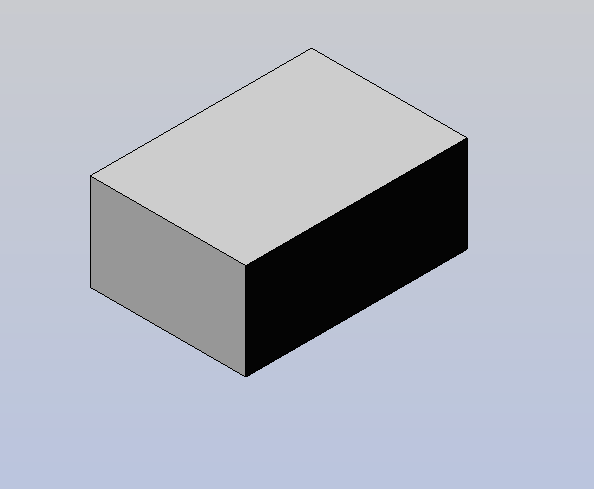
Bricscad's realistic rendering mode or not?
Oct 5, 2011
A very quick view on Bricscad for Linux V12 beta
Today Bricsys announced some very impressive new features for Bricscad V12 and I was really very curious about these changes. So I found and downloaded the beta version of Bricscad V12 for Linux.
Sep 3, 2011
Adding custom hatches on ARES CE, Bricscad and DraftSight
Adding a custom hatch on ARES CE, Bricscad and DraftSight is quite different than on AutoCAD. You cannot link a folder that contains the custom hatches in program's settings. However adding one or more custom hatches isn't difficult.
Aug 29, 2011
How to work with pdf files with ARES CE,Bricscad,DraftSight and Librecad
Importing PDF files is a missing feature from all Linux CAD packages. However there are some very interesting and simple workarounds to bypass this problem.
Jun 11, 2011
Several different ways to do the same thing
You may have noticed that,while using a CAD program, there are several ways to get to the same result. Also different programs use different techniques to get to the same result. What's the point of this post ? To prove that CAD is much more than a single program or only one drawing technique. Let's create a very simple 3D object, a pipe with 100mm height,outer diameter 20mm, inner diameter 15mm, by several different ways and programs.
May 16, 2011
Debian 6 Squeeze
Q: Can I use DraftSight or Bricscad V11 with Debian 6 "Squeeze" ?
A: Of course. Debian is an excellent distro and works well with these CAD packages. The screenshots below show DraftSight and Bricscad V11 running on Debian 6 "Squeeze" 32bit in a VirtualBox installation.

Bricscad V11 on Debian 6
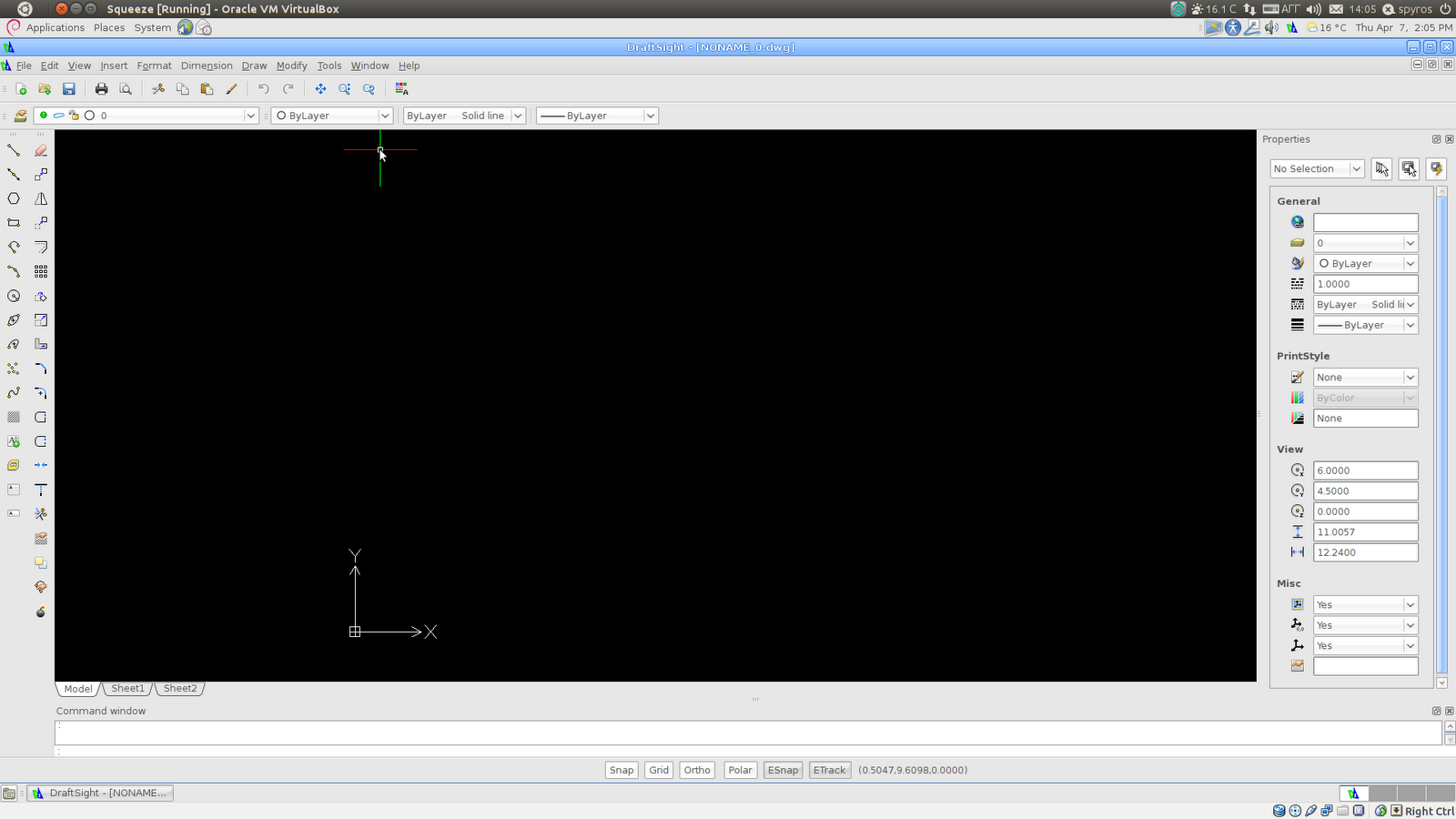
DraftSight on Debian 6
Tip: If you want to use Debian 6 as a CAD workstation for professional use you will probably need a more modern web browser. You can try Chrome or ,better, install Iceweasel (Firefox) 4 by following these instructions.
Apr 6, 2011
Forcing 32bit packages on 64bit Debian/Ubuntu/Mint
A very common problem for someone who plays with CAD on Linux is the mismatch between the package's and the system's architecture.
My suggestion is to use 32bit OS with ARES/Bricscad/DraftSight
but this is not always possible.
Some reasons are:
My suggestion is to use 32bit OS with ARES/Bricscad/DraftSight
but this is not always possible.
Some reasons are:
- You have already installed a 64bit OS and you don't want to perform a new clean install of 32bit OS
- You have already bought a commercial application that is 64bit only like Abaqus, NX, Maya.
- Your common tasks include stuff that perform much better on 64bit architecture, like rendering, and you don't like to loose this benefit.
Bricscad V11 Pro special offers
The new Bricscad V11 Pro for Linux has some special offers until 30/04/2011.
You can buy a single license for 315€/395$ instead of 450€/505$
Also consider the all-in version which includes:
1-year upgrades, 1- year technical support via e-mail and an e-book*
with a discounted price of 450€/555$ instead of 560€/665$
There are also special offers for multiple licenses.
Visit the Bricsys e-store for more information
*Customizing Bricscad by Ralph Grabowski
Apr 5, 2011
Bricscad PRO released for Linux
Today Bricsys has released the PRO version of Bricscad Linux. The big differences with the Classic version are the support for the BRX API and the full ACIS modelling. Interesting features, but for being really useful, we must see some of the 3rd party applications being ported to Linux
Subscribe to:
Posts (Atom)